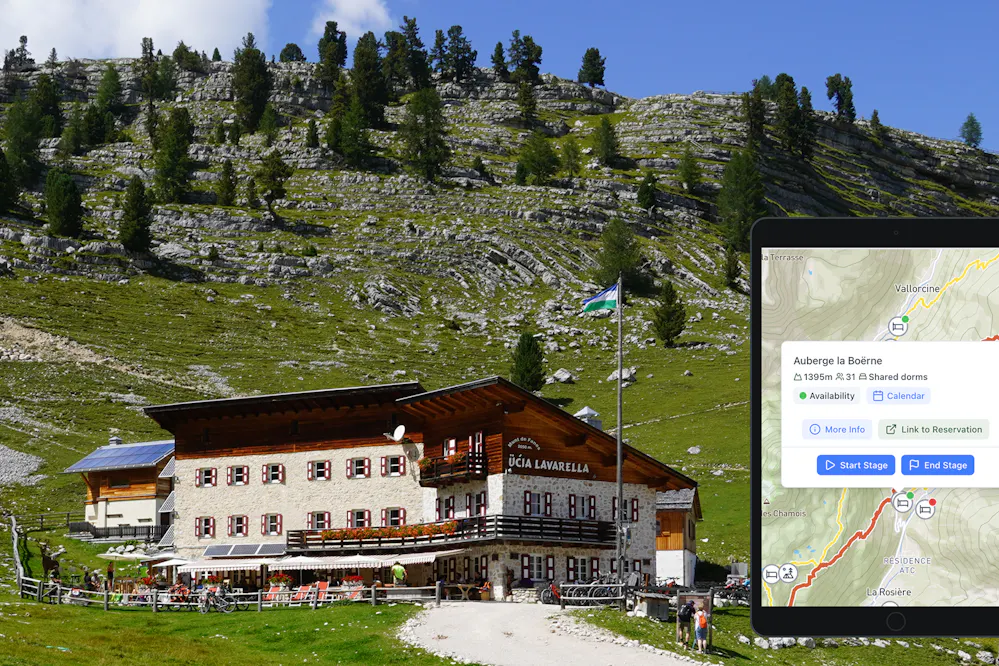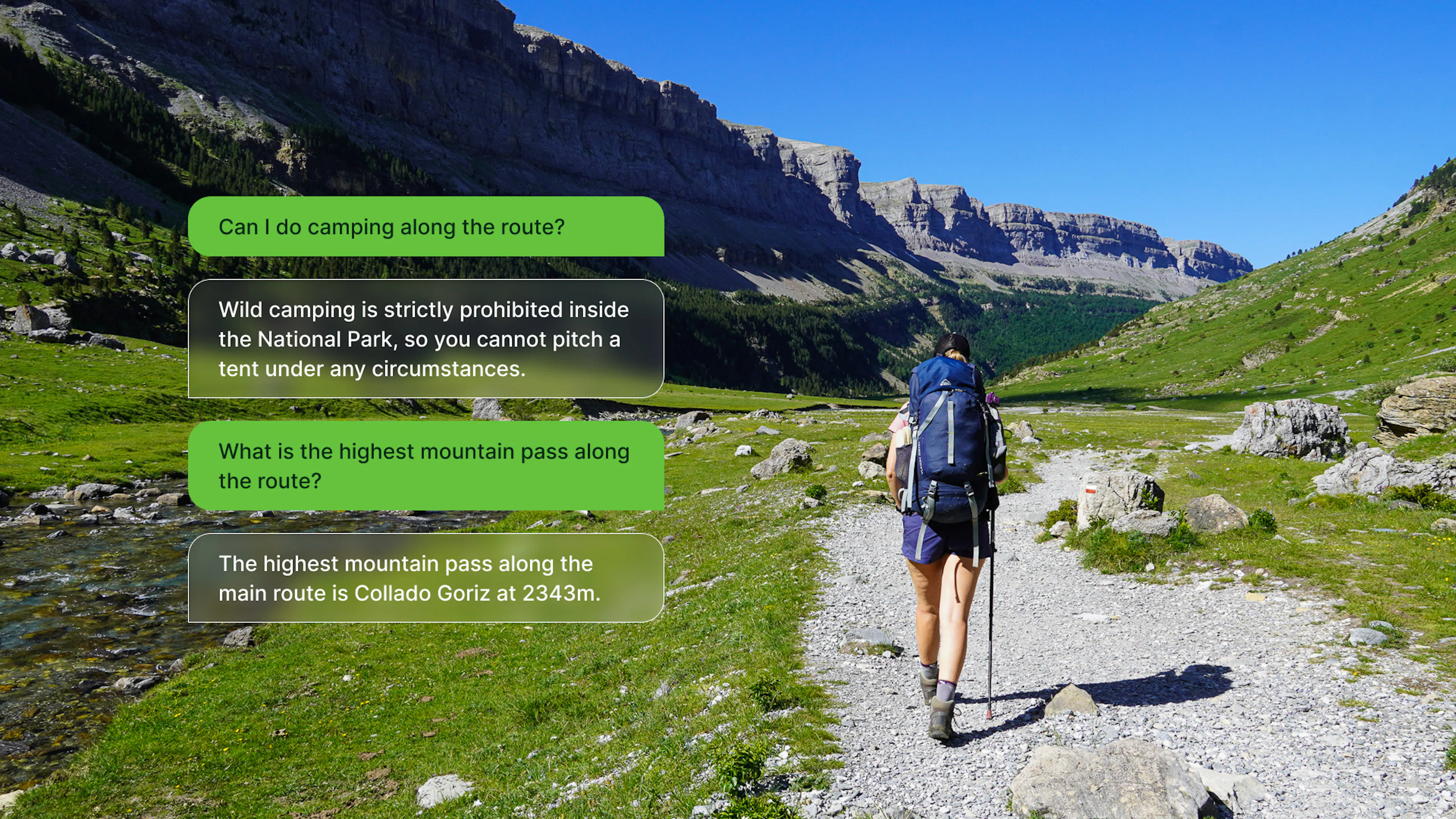
We just added two AI-powered features to the Hike Planner: an AI hiking assistant that answers questions about your specific itinerary, and a tool that turns your route into a full guidebook you can export to PDF and take on the trail. Here's what each one does.
Create your perfect itinerary with our Hike Planner
Plan every stage of your hike with official routes, variants, and real-world trail data, all in one place.
- Curated hike data with official routes, variants, and more
- Design your hike stage by stage
- Find huts with real-time availability
- Download GPX files for your favorite navigation app
- Generate a printable PDF for your hike
AI Trail Assistant
The first feature is a Trail Assistant built directly into your itinerary view. It knows your full plan - every stage, every marker, every stat - and you can ask it questions about your hike in plain language.
When we're deep in planning mode, the questions that come up aren't always things you can Google easily. "Are my daily distances reasonable for someone who hasn't done a long trail before?" "Is there a section here where I could shorten the trip if needed?" These are questions that depend on your specific itinerary, not generic information about the trail.
You could ask ChatGPT or any other AI assistant the same questions, and you'd get a reasonable generic answer. What you wouldn't get is an answer based on your plan. A general AI hiking planner doesn't know that your Stage 3 is 24km with 1,400m of elevation gain, or that you've booked the only hut on that section for a Saturday when it's half-capacity, or that you've built in a short day on Day 5 as a buffer. The Hike Planner Assistant does. That context is the difference between advice that sounds plausible and advice that's actually useful for the trip you're planning.
What makes it more reliable than a general-purpose AI isn't just your itinerary data, it's also everything we've curated into the platform. The Trail Assistant has access to our database of accommodations along each route: mountain huts, refuges, campsites, the ones that require booking in advance, the ones that are only staffed in high season. It knows the key mountain passes on your route, the technical sections, and the difficulty profile of the trail. It has information on the best seasons to hike, and the kind of trail-specific context that takes hours to piece together from scattered sources.
So when you ask "is this a good itinerary for a first-time multi-day hiker?", it's not giving you a generic answer about hiking fitness. It's looking at your specific distances, your elevation profile, the availability of your overnight stops, and the difficulty rating of the trail you've chosen, and answering from all of that.
We've been careful about what it claims to know. If something is outside the data we have, it'll tell you rather than make something up. In our testing, the answers on logistics and difficulty were solid.
Turn your Itinerary into a Guidebook
There's something genuinely useful about having all your itinerary details in a single PDF document, all the info in one place you can open anywhere, even without signal. And there's something even better about lying in your sleeping bag the night before a big stage, reading through what's coming: the climb out of the valley, the pass at 2,700m, the refuge where you'll have dinner. It gets you excited. It also means you start the next morning knowing exactly what you're walking into.
If you've used the Hike Planner to build a multi-day itinerary, you know how much information goes into each stage. Start and end points, total distance, elevation gain and loss, the passes you cross, the huts or campsites available, viewpoints. It's a lot to document, especially if you're planning a long route with six or eight or ten stages.
The new AI feature takes all of that data and writes a proper travel guide from it, in one click. Think of it as your personal guidebook: one document that covers every stage of your route with the kind of detail you'd expect from a published trail guide, but built specifically around your itinerary, your direction, your overnight stops.
What comes out isn't a generic summary. It knows the name of your hike, the region, which direction you're going, and where each stage sits in the bigger picture of your trip. If you're hiking the Alta Via 1 southbound and Stage 4 crosses the Rifugio Lagazuoi and the war tunnels, the description will say that, with context. It reads like something from a proper guidebook, not like a data export.
Once you're happy with it, you can export the whole thing to PDF. The idea is simple: the night before each stage, or over breakfast on the morning of, you open it up and read what's ahead. Distances, elevation, key landmarks, where to fill water, what the terrain is like. Everything you need to mentally walk the stage before you start walking it for real.
Both features are available in the Hike Planner now. If you already have a multi-day route in progress, it's worth opening it up and generating the guidebook, that's usually where the output is most useful, especially once your stages are fully built out. And if you have questions about your plan that you've been holding onto, the Chat Assistant is a good place to start.