Sharing a hiking plan with friends can get a bit annoying. You export a PDF, send a bunch of GPX files, write a long WhatsApp message explaining the stages, and then someone changes a detail and you have to do it all over again.
Now you can generate a shareable link for any itinerary on the Hike Planner, and create social media assets showing your route, stats, and stages. Whether you're coordinating a group hike or just want to share your next adventure online, this makes it a lot easier.
Create a shareable link so everyone can see the plan
The new shareable link gives anyone access to a view-only version of your itinerary. They'll see the interactive map with your full route, the elevation profile, and all the stage details, same as you see it, but without editing access.
This is the part we're most excited about. Instead of sending a static PDF, you're sending a live view. If you tweak a stage or adjust the route, the link always reflects the latest version. For group hikes, that's a big deal — no more "wait, which version are we following?"
A few things worth knowing about the view-only link:
- It's interactive. The person opening it can explore the map, zoom in on stages, and check elevation details — not just look at a screenshot.
- It's limited by design. Viewers can't edit anything, and they won't see other data you have access to, such as all the variants, water sources, and other waypoints on the map.
- It's not a replacement for the full export. Once your itinerary is locked in and you're heading out, we still recommend sending everyone the PDF export and the GPX files for offline use. The shareable link is great for the planning phase, less so for the trail itself where you'll want everything downloaded.
If you want to stop sharing at any point, you can disable or regenerate the link from the itinerary settings.
Generate assets to share on social media
For those who like to share their adventures online, we've added the option to generate images from your itinerary to post on social media.
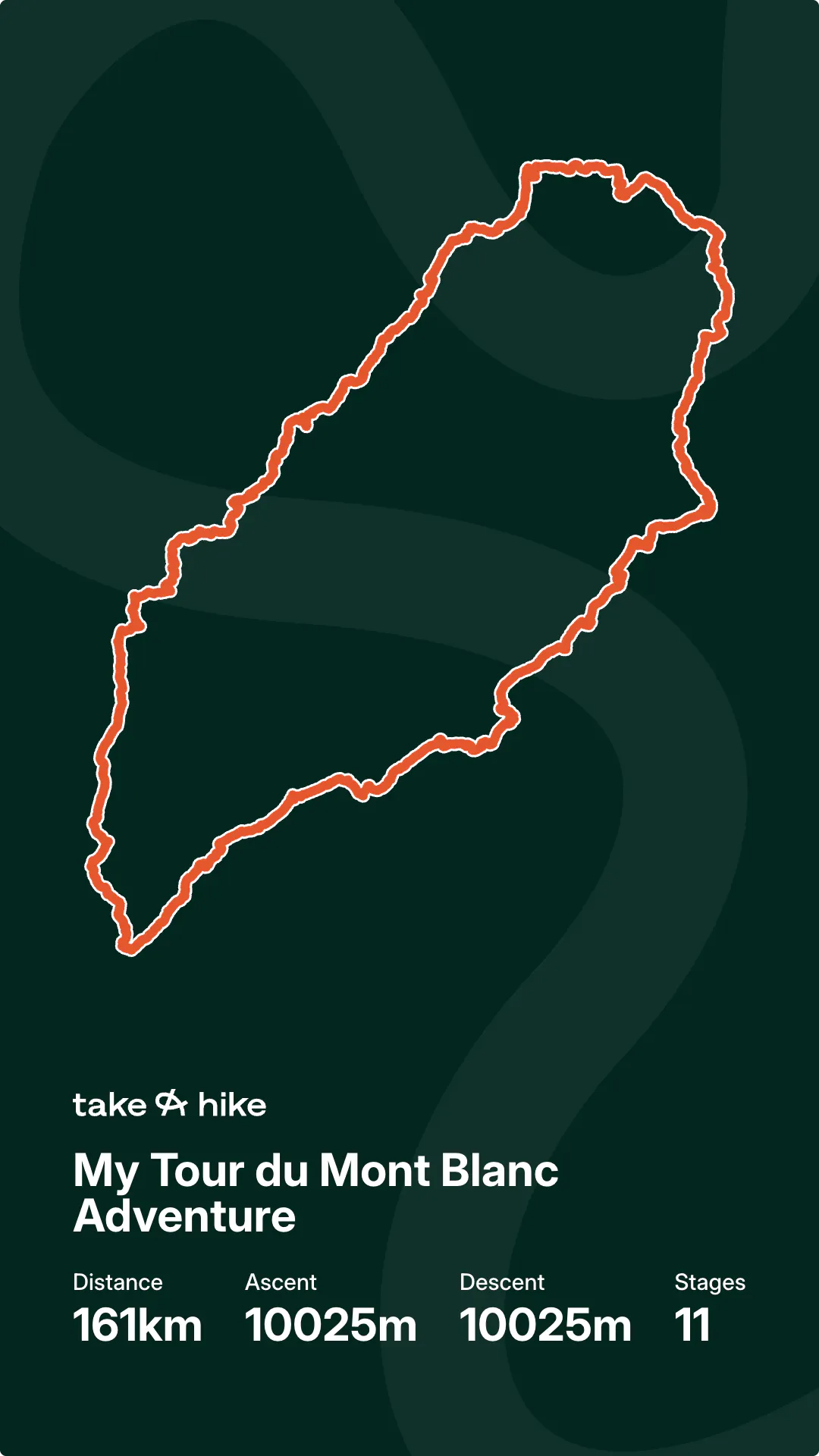
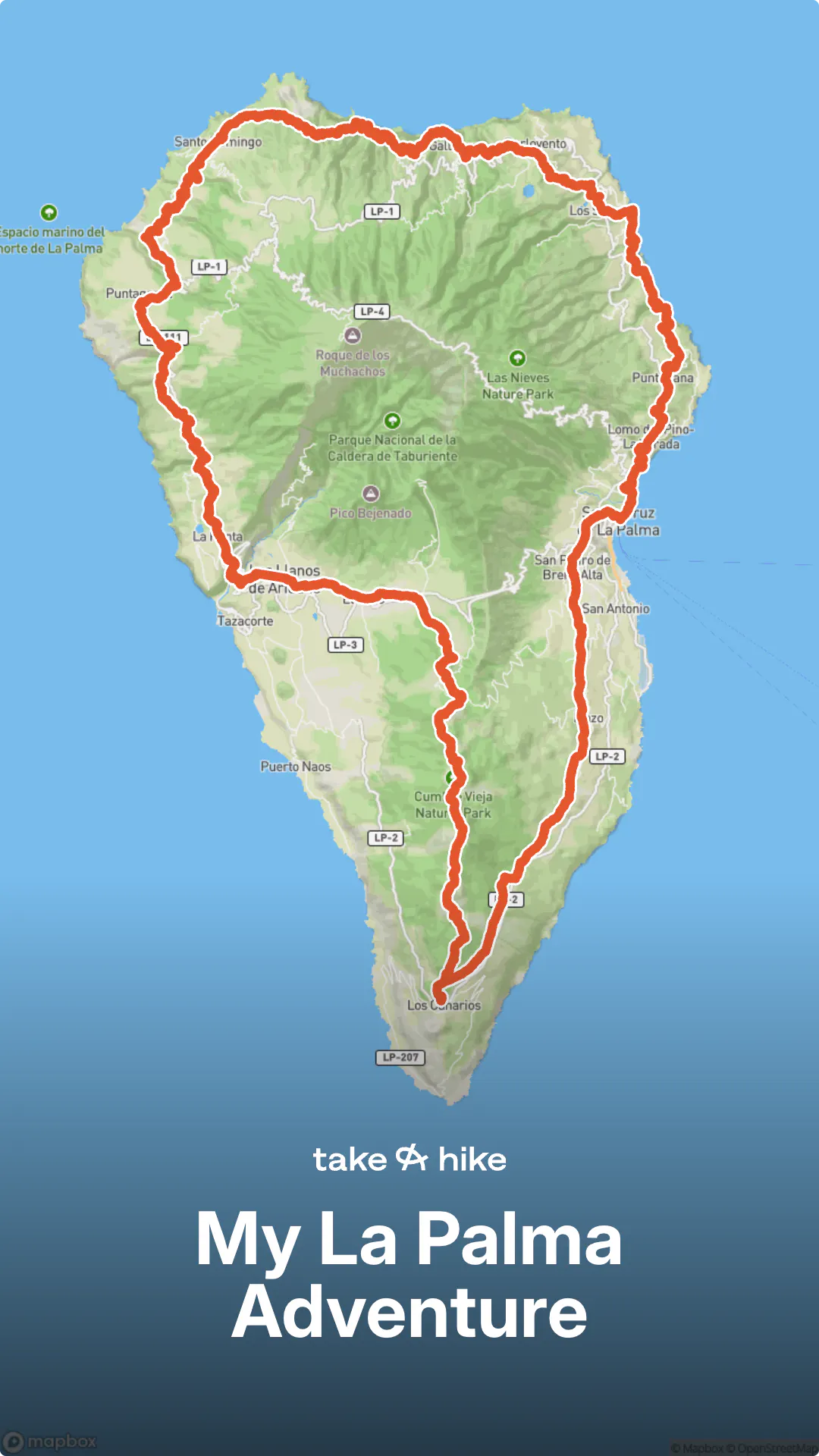
You can create assets in different formats, showing your route on the map alongside your key stats: total distance, elevation gain, number of stages, and the trail name. It's a genuinely fun way to build up excitement before a trip.
You can generate the assets from the same menu as the shareable link. Choose your format, download the image, and post it as you normally would.
Give it a try on your next itinerary, and if you share anything on social media, tag us at @takeahike.io. We'd love to see where you're headed. If you haven't tried the Hike Planner yet, sign up and start planning your next adventure.
Discover our Hike Planner
Create your perfect itinerary with our Hike Planner
Plan your long-distance hike stage by stage, with trail data verified by us on every route. All in one place.
- Curated hike data with official routes, variants, and more
- Design your hike stage by stage
- Find huts with real-time availability
- Download GPX files for your favorite navigation app
- Generate a printable PDF for your hike